Adaptive triggers
Triggers that think with you
Turn progressive trigger input into deliberate actions and feel resistance at the moments that deserve confirmation.
Speak, steer, review and ship without breaking flow. ControlDeck turns the game pad you already own into a custom Codex controller
macOS 14.2+ · Apple Silicon or Intel · USB or Bluetooth
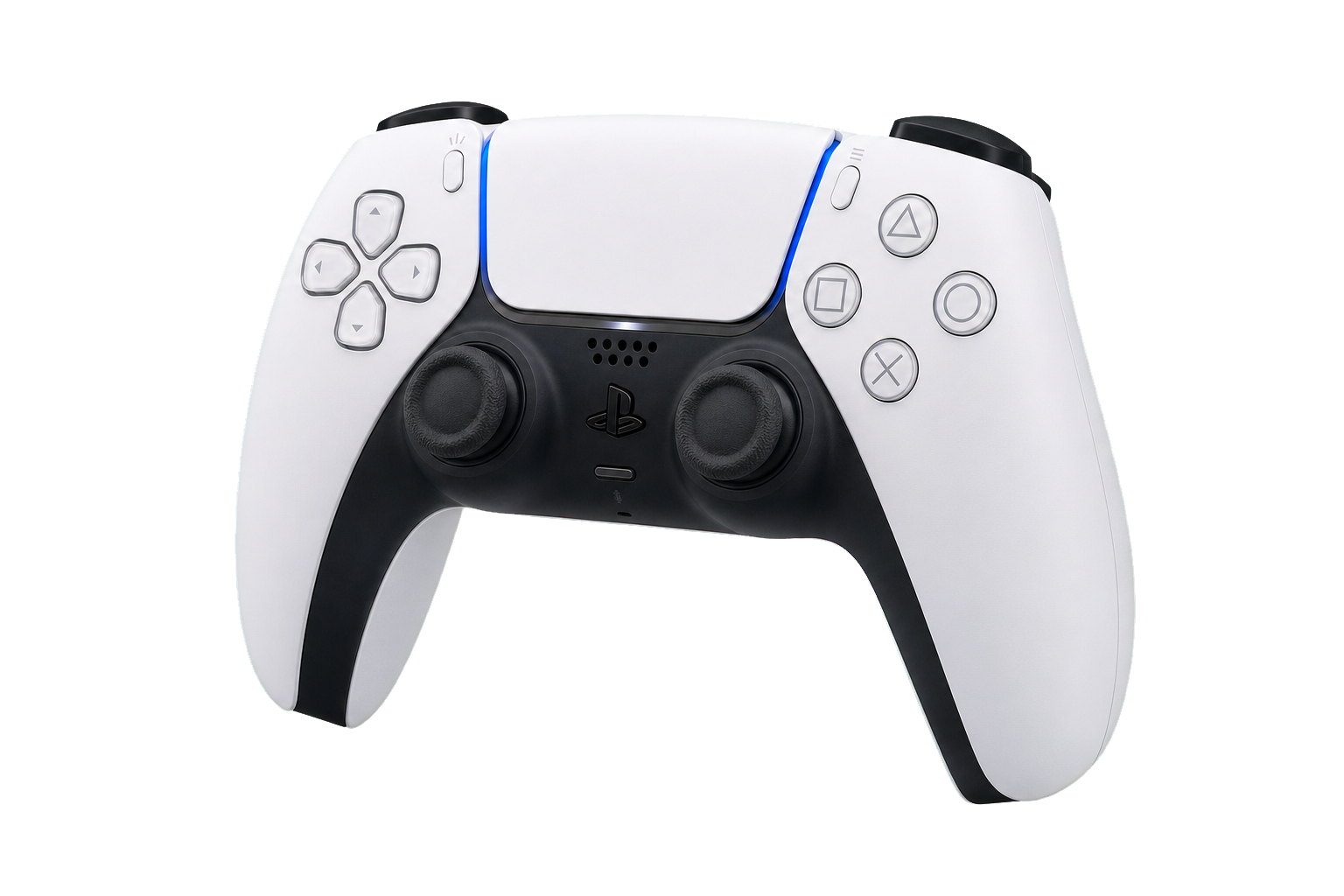
Stay in flow
ControlDeck maps the physical language of a controller onto the moments that matter in an agentic workflow.
Adaptive triggers
Turn progressive trigger input into deliberate actions and feel resistance at the moments that deserve confirmation.
Touch + pointer
Scroll and swipe without reaching for the mouse. Tap to see your current mappings, or hold to switch apps with the right stick or D-pad.
Physical feedback
Light, haptics and sound carry Codex task state into your hands: thinking, complete, needs input or error.
Controller voice
Tap for hands-free dictation or hold for push-to-talk using the controller microphone and Codex’s native transcription.
16 smart profiles
Put your highest-frequency Codex, browser, media and macOS actions exactly where muscle memory expects them.
Built for the moment
Select a region, annotate it and copy or save it without putting the controller down.
Hold R2 from any profile and steer with the left stick to select an area. Release to copy the original and open a focused editor—without putting the controller down.
Also tucked awayOptional gyro gestures and a Tilt Run motion playground live under advanced setup.
From connection to completion
Pair over Bluetooth or plug in with USB. ControlDeck detects the controller, transport and battery automatically.
Start with a purpose-built Codex profile, then place every action exactly where your hands expect it.
Dictate, navigate tasks, review changes and feel when Codex needs you—without constantly returning to the keyboard.
Made for macOS
See your controller, active profile and recent Codex tasks at a glance. Mappings and setup stay close by.
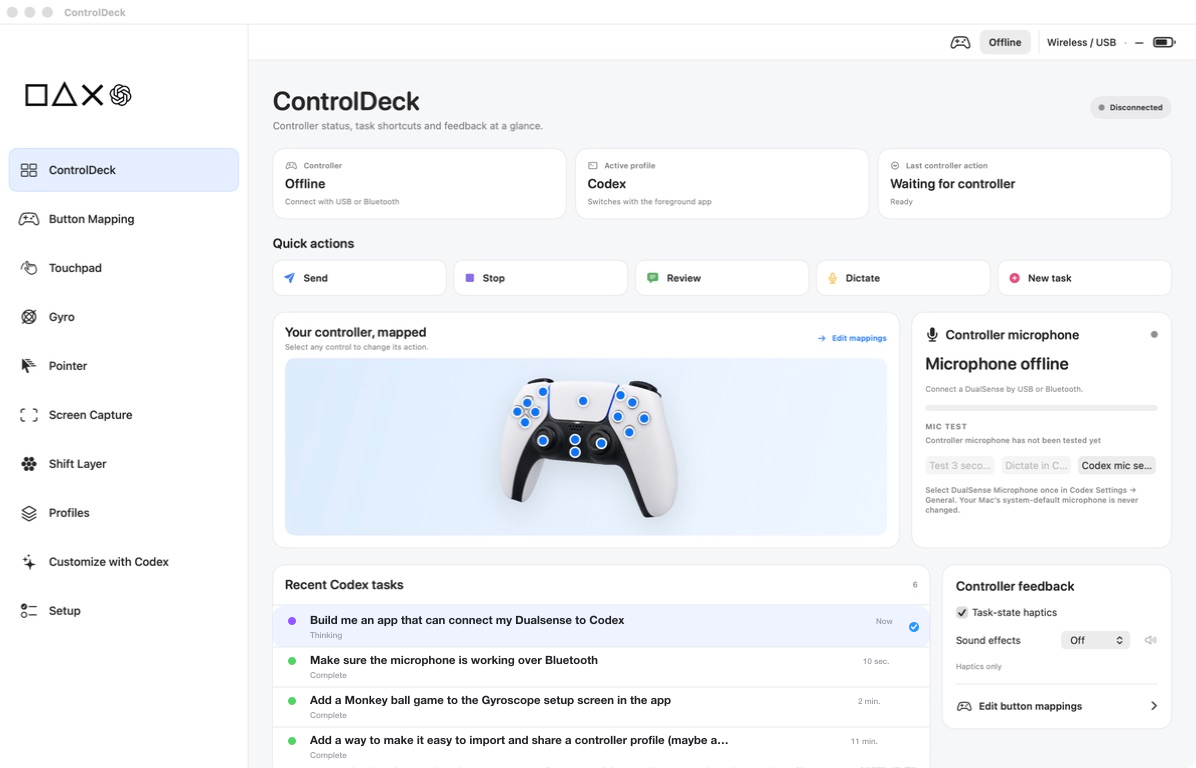
Less desk clutter
You already have a Codex Micro at home
Serious hardware. Playful workflow.
Blue means ready. Purple pulses while Codex thinks. Green confirms completion. Haptics and optional sound cues keep the workflow legible even when your attention is elsewhere.
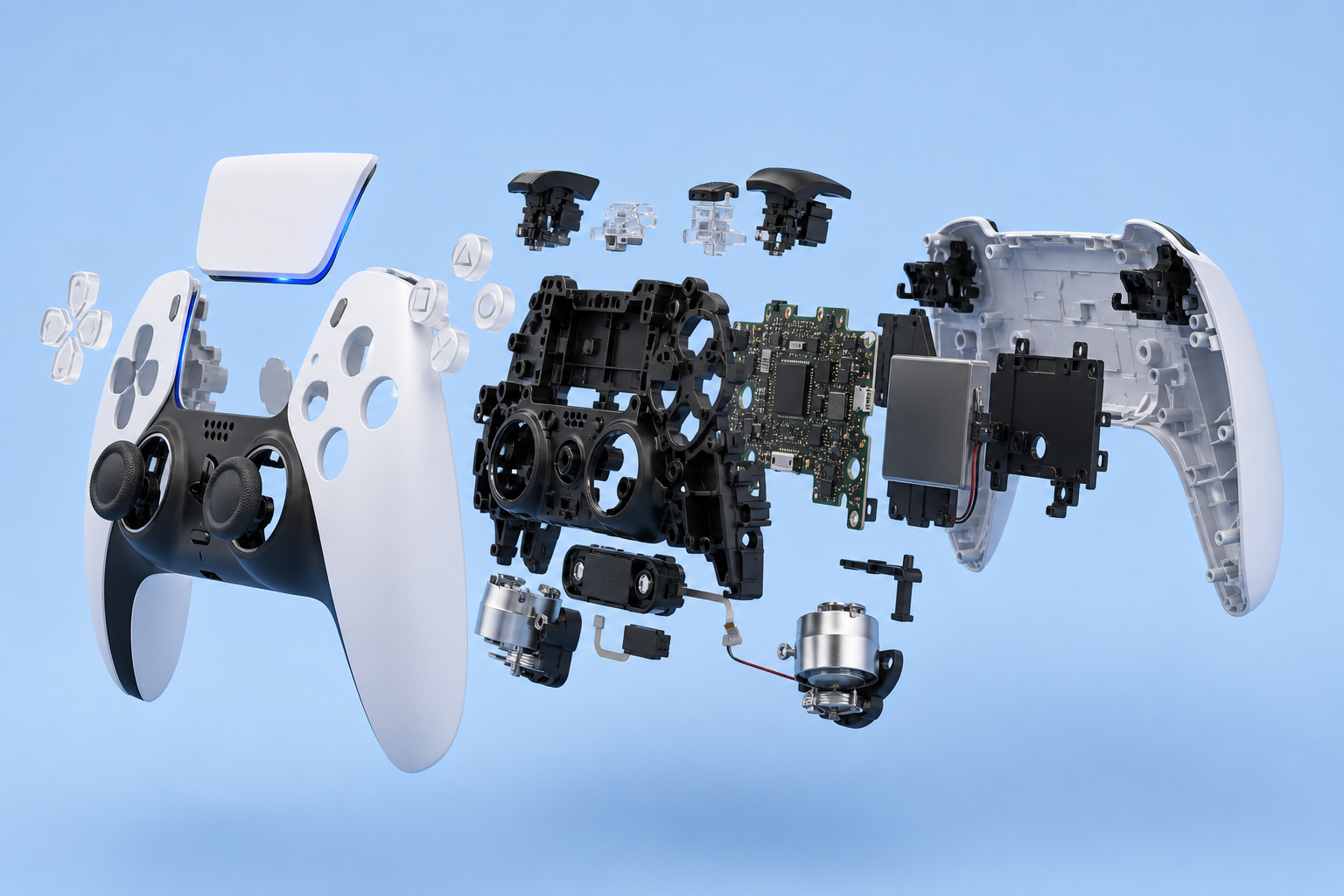
Ready for the rest of your Mac
ControlDeck notices the app in front and switches mappings automatically. Codex gets the hero treatment, backed by fifteen ready-to-use profiles for the work around it.

Purpose-built for the agent loop
Move between tasks, speak a prompt, review a change and feel when Codex needs you—without translating the workflow back to a keyboard.

Pointer · Clipboard · Desktop

Files · Search · Quick Look

Chrome · Safari · Arc + 3

Zoom · Teams · Meet
Keynote · PowerPoint · Slides

Threads · Activity · Huddles

Apple Mail · Outlook

Browse · Edit · Favourite

Spotify · Music · VLC

Frames · Comments · Dev Mode

Final Cut · Resolve · Premiere

Playback · Record · Levels
Terminal · iTerm · Warp + 1

Chat · Projects · Code
Xcode · VS Code · Cursor
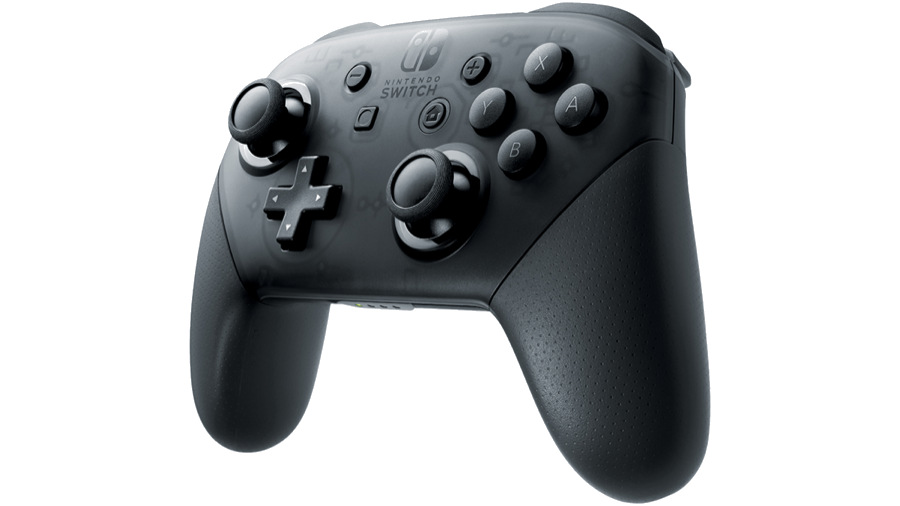
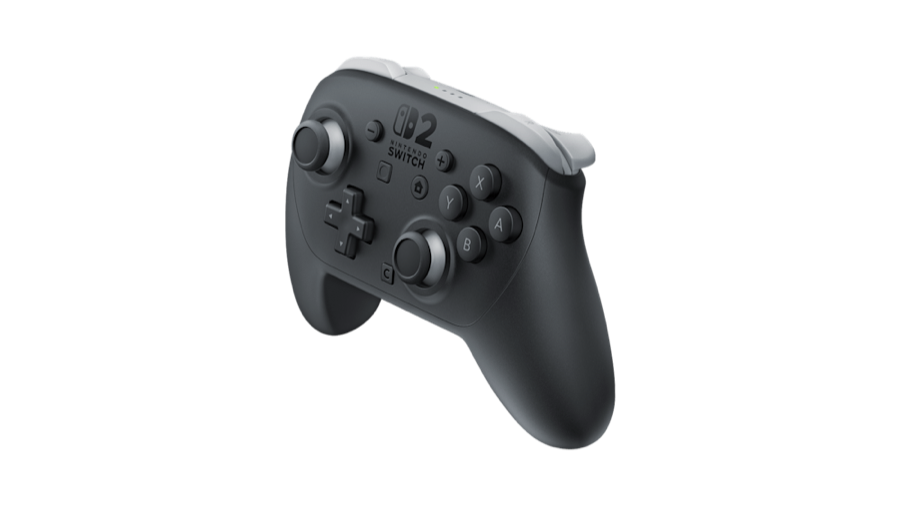
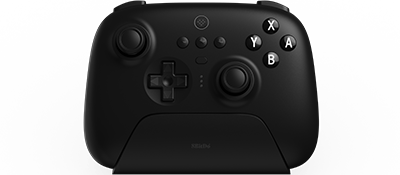
Bring the controller you prefer
Built for DualSenseTouchpad gestures, adaptive triggers, controller microphone, speaker, light and haptics make DualSense the most expressive way to use ControlDeck. The core mappings also travel with you across other supported controllers.
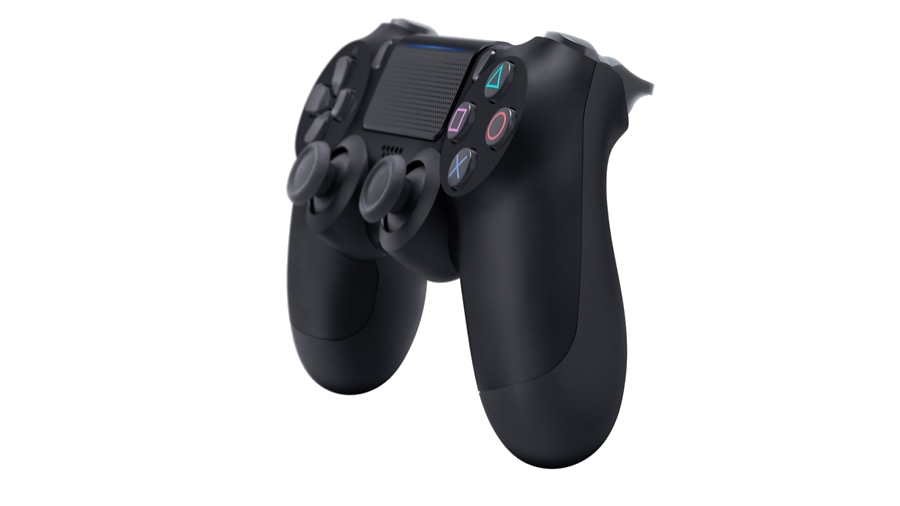
Also works with compatible extended gamepads.
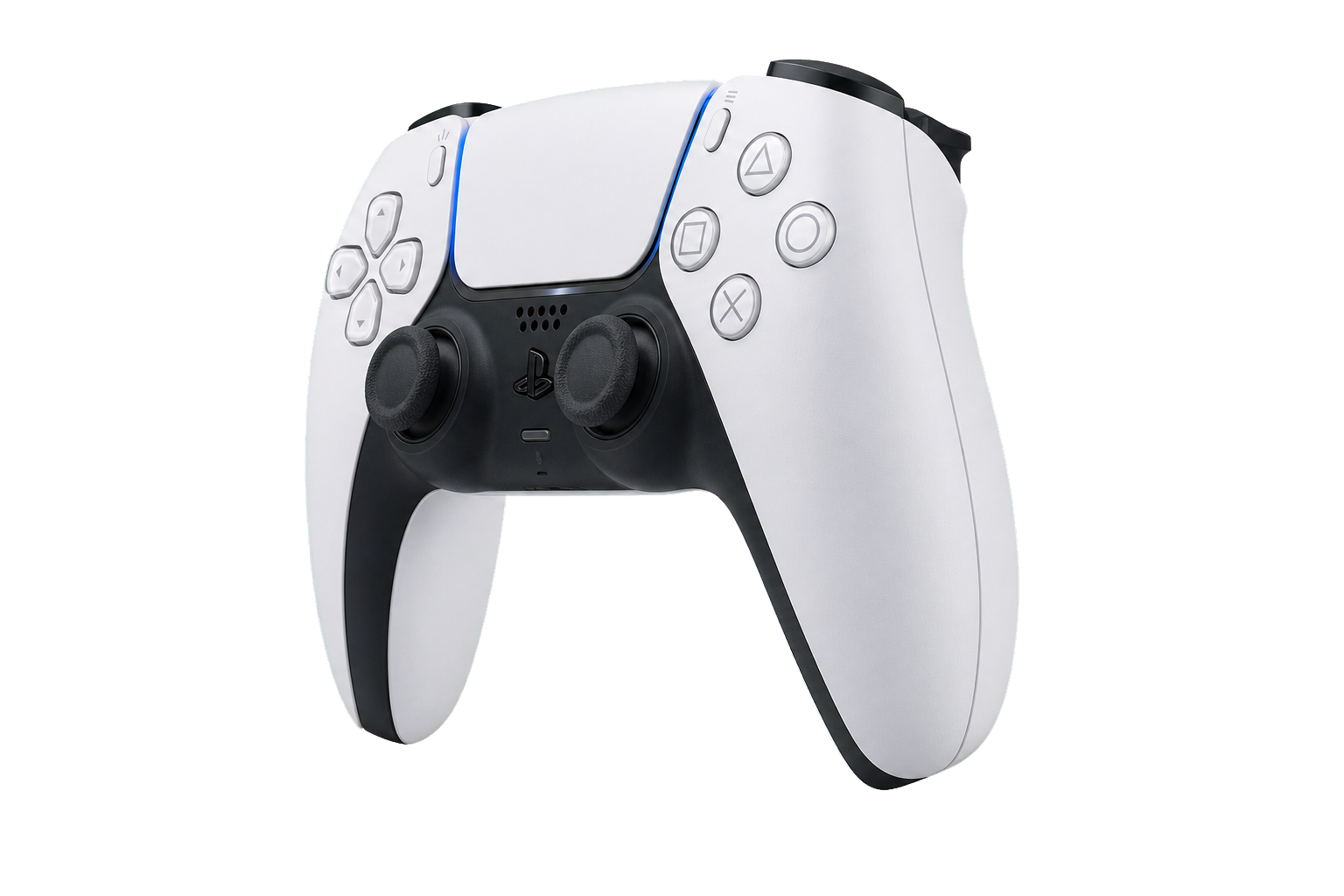
Also supported
Built with Codex
ControlDeck grew from one ambitious Codex task into a native Mac app through 75 prompts: hardware experiments, failed assumptions, interface iterations and the final release.
The public transcript contains the visible conversation only. Hidden reasoning, tool calls, tool output, credentials, email addresses and machine-specific paths are not included.
See it in action
See how ControlDeck turns a compatible controller into a hands-on interface for Codex.
Watch on YouTube ↗
ControlDeck for macOS
Download the Apple-notarized DMG for Apple Silicon and Intel Macs, drag ControlDeck into Applications, and start setting up your controller. The app stays compact: optional local speech models download as removable extensions only when you choose them.